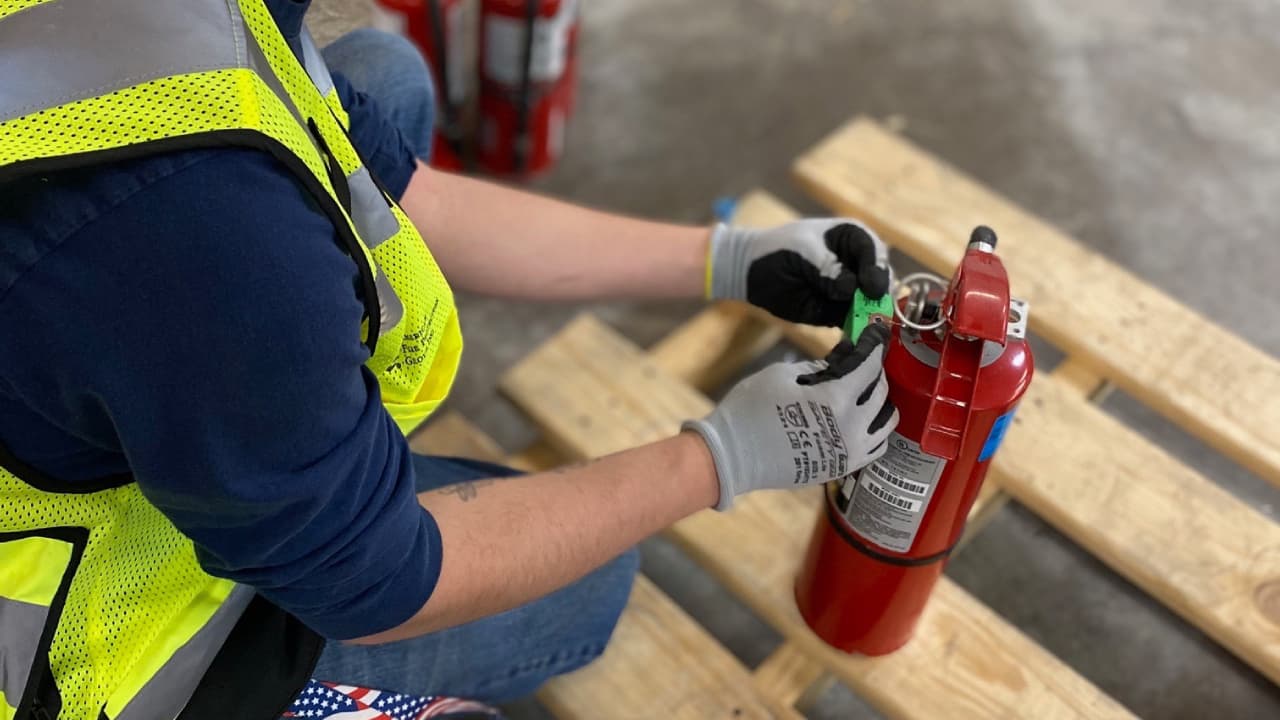
Workflow Overview
The Mining Sentry portal streamlines fire extinguisher management for mining operations. Each extinguisher is created as equipment, flagged with the Fire Extinguisher attribute, and tied to a purpose-built inspection definition.
- Equipment profile with the Fire Extinguisher checkbox enabled
- Form dedicated to fire extinguisher
- Monthly report with search and missing exam filters
Need a refresher on inspections as a whole? Review the Equipment Exams guide for shared terminology and examples.
Build the Fire Extinguisher Monthly Form
Fire extinguisher exams are driven by forms. Create a new form that captures the monthly checks your team performs.
- Navigate to Forms and choose New.
- Name it clearly (for example, Fire Extinguisher Monthly Exam).
- Enable both the Is Equipment Inspection? checkbox and the Fire Extinguisher? checkbox.
- Add checklist items for pressure, accessibility, tamper seals, hydrostatic test dates, and notes.
- Publish the definition so it is available inside the equipment workspace.
Create Fire Extinguisher Equipment Record
Start in the Portal's equipment tab. Each fire extinguisher is represented as an equipment record so you can assign service zones, serialize labels, and store QR code details.
- Choose Create Equipment.
- Supply the extinguisher name, location, serial/asset tag, and zone (matching your inspection zones).
- Enable the Fire Extinguisher checkbox so the dedicated tab and reports recognize the asset.
- Choose the Fire Extinguisher inspection you created in the forms in the Pick Inspections dropdown
- Use Assign QR Code to generate or assign a QR code for field scanning.
- Save and keep the equipment page open—you will link the inspection definition next.
Operator Portal
Operators now see the extinguisher on their inspections list (web or native)
QR Codes & Field Execution
Every extinguisher can be assigned a QR code directly in the equipment form so you can align physical labels with digital records.
When creating or editing equipment, use the Assign QR Code button to generate or assign the code. Once saved, the Operator portal and native app accept scans to open the extinguisher record instantly, preventing inspectors from selecting the wrong asset.
Mining Sentry logs who scanned the code and when the inspection started, giving supervisors extra traceability if an exam is missed or performed late.
Monthly Fire Extinguisher Reports
Supervisors run the monthly compliance report directly from the equipment list—no exporting required.
- Go to the Equipment tab, select the three-dot menu on the top-right, and click Go To Fire Extinguishers Report.
- The report page loads all extinguishers tied to the Fire Extinguisher inspection definition and auto-detects the current month.
- Filter using search, the Missing Monthly Exam toggle, or the calendar control to view prior months.
- Export data or link directly to an extinguisher’s inspection or zone as needed.
Tips & Best Practices
- Use consistent naming (for example,
Haul Truck FE-01) to make report searches fast for dispatchers. - Combine extinguisher inspections with annual refresher training records to show complete preparedness during MSHA visits.
- Reprint QR codes after hydrostatic testing or relocation so the physical tag always matches the equipment record.
- Monitor the Missing Monthly Exam filter weekly—supervisors in the Operator portal can trigger catch-up inspections from here.